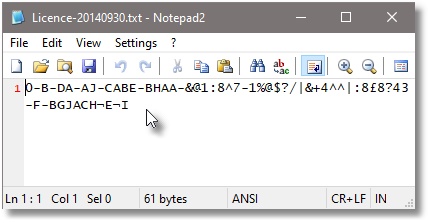
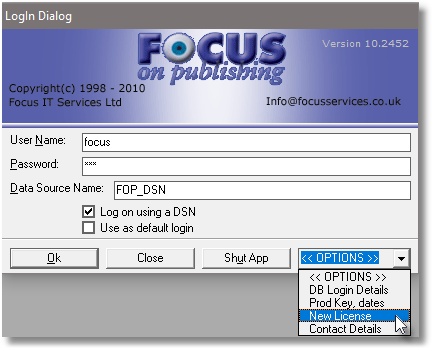
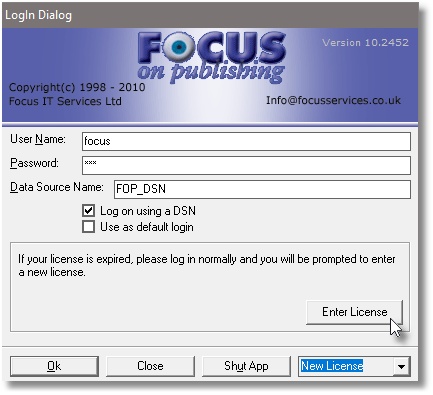
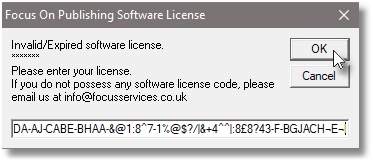
Activate Licence Applying a new FOP licence codeThe new licence must be applied to all workstations in Focus on Publishing software.How to apply new licence:Open the Licence code file with NOTEPAD (Do not open it in MS WORD)Copy the licence code.On the Focus login window, click on OPTIONS, select NEW LICENCE then paste new licence into ‘Enter Licence CodeClick Apply (see screen shot below).